
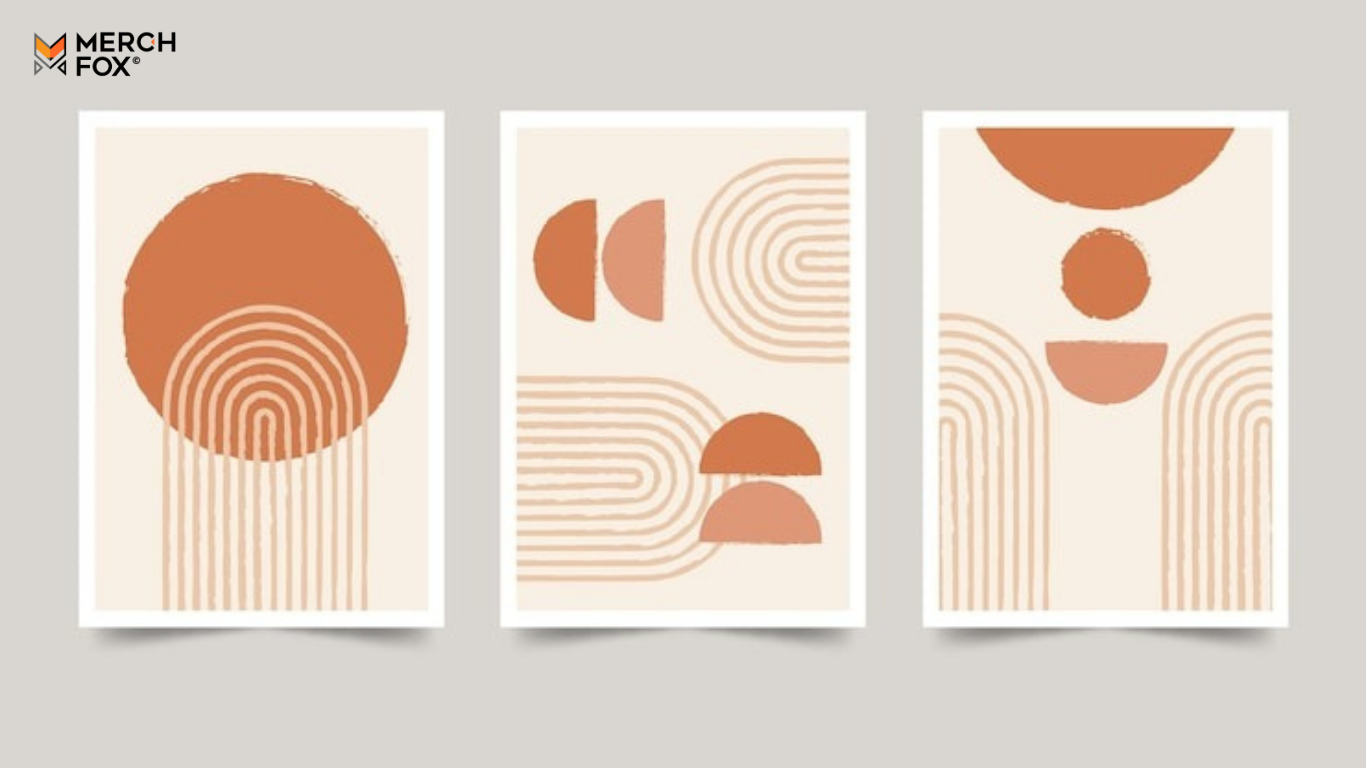
This comprehensive guide will equip you with the best free resources and tools to find or create stunning free print designs, ensuring you understand how to use them safely and effectively for your commercial projects. As MerchFox, an experienced expert in e-commerce and graphic design, understands, the right design can make all the difference, and you don't always need a hefty budget to achieve it. This article is crafted for aspiring POD entrepreneurs, small business owners, graphic designers, content creators, and anyone needing high-quality free design assets for their merch business.
1. Understanding Free Print Designs: What You Need to Know First
Understanding Free Print Designs: What You Need to Know First
Before you dive into collecting beautiful graphics, it’s crucial to understand the foundational rules of using designs found online. This knowledge is your shield against potential legal headaches and helps you build a reputable business.
1.1. Decoding Licenses & Commercial Use
When searching for free print designs, you'll encounter various licensing terms. Understanding these is paramount for legal and ethical design usage.
Creative Commons (CC): A widely used public license that allows creators to define how others can use their work. Some CC licenses allow commercial use with attribution (CC BY), while others prohibit it (CC BY-NC). Always check the specific CC license.
Royalty-Free: This means you pay a one-time fee (or it's included in a free offering) for the right to use the design multiple times, without paying royalties for each use. Many "free" stock sites offer royalty-free images, but you must confirm commercial usage rights.
Public Domain: Designs whose copyrights have expired, been forfeited, or were never applicable. These are completely free to use, modify, and distribute for any purpose, including commercial. This is often the safest bet for truly unrestricted free print designs.
Crucial Distinction: Never assume that "free for personal use" extends to "free for commercial use." Commercial use implies generating revenue, and many free assets are licensed only for personal projects. Failing to differentiate can lead to copyright infringement and legal action.
1.2. Attribution Requirements: Giving Credit Where It's Due
Some free designs, especially those under certain Creative Commons licenses, require you to give credit to the original designer or source. This is known as attribution.
When to Attribute: Always check the specific license for each design. If attribution is required, it’s typically specified.
How to Attribute: Common methods include adding a line of text on your website, in the product description, or sometimes directly on the product itself if aesthetically appropriate. For example: "Design by [Designer Name] via [Source Website]."
Consequences: Ignoring attribution requirements can be a breach of license, potentially leading to requests to remove the design or even legal claims.
1.3. File Formats & Quality for Print
The quality and type of file you use are critical for professional-looking print designs.
Raster vs. Vector Graphics:
Raster (JPG, PNG): Composed of pixels. Great for photographs and complex images, but they lose quality and become pixelated when scaled up. Look for high-resolution files (e.g., 300 DPI) for print.
Vector (SVG, AI, EPS): Composed of mathematical paths. They can be scaled to any size without losing quality, making them ideal for logos, illustrations, and t-shirt designs.
Importance of High Resolution: For print, aim for at least 300 DPI (dots per inch) at the final print size. Low-resolution images will appear blurry or pixelated on your merchandise, impacting customer satisfaction and your brand's reputation. Always source the highest quality available when looking for free print designs.
2. Top Websites for Free Print Designs (Ready-to-Use Graphics)
Now that you understand the ground rules, let's explore where to find stunning, ready-to-use graphics that can elevate your merch business. These sites are invaluable free design resources for your print-on-demand designs.
2.1. Stock Photo & Vector Sites
These platforms offer vast libraries of imagery, from photographs to intricate illustrations.
Unsplash / Pexels / Pixabay: These are fantastic sources for high-quality photos.
Pros: Millions of professional-grade images. Often free for commercial use without attribution, though checking individual image licenses is a good practice. Great for backgrounds, lifestyle shots for mockups, or incorporating photographic elements into designs.
Cons/Caveats: Primarily raster images, so scaling needs care. While generally permissive, always double-check the license for specific images, especially for commercial applications.
Freepik / Vecteezy: Huge libraries specializing in vectors, illustrations, and stock photos.
Pros: Excellent for finding free vectors, icons, and illustrations that are easily scalable. They have dedicated "free" sections with a wealth of commercial use designs.
Cons/Caveats: Many free assets require attribution. Both also offer premium subscriptions for broader access and no-attribution options.
SVG Repo / Openclipart: Dedicated to vector graphics, which are perfect for scalable designs like t-shirts and mugs.
Pros: Focuses on SVG files, ensuring crisp, scalable output. Ideal for logos, icons, and minimalist designs.
Cons/Caveats: The aesthetic might lean simpler or more illustrative. Always confirm the license for commercial usage, though many are public domain or liberal Creative Commons.
2.2. Public Domain & Vintage Archives
For unique, timeless aesthetics, public domain images are a treasure trove.
Wikimedia Commons / The Noun Project (Public Domain Collection): These platforms host vast collections of public domain media, including historical photos, illustrations, and icons.
Pros: Truly free to use for any purpose, with no attribution required. Great for educational, historical, or classic themes. The Noun Project also has a public domain collection focusing on icons.
Cons/Caveats: Content can be diverse in quality and style. You might need to refine or adapt older images to fit modern print standards.
Old Book Illustrations / Rawpixel (Public Domain): Specific sources for vintage, historical, and retro aesthetics.
Pros: Perfect for niche aesthetics like vintage designs, retro graphics, botanical prints, or anatomical illustrations. Rawpixel specifically curates public domain collections that are print-ready.
Cons/Caveats: Requires more searching to find relevant designs. Ensure the quality is high enough for printing, as some older scans may be low resolution.
2.3. Niche & Specialty Freebies
Don't overlook the freebie sections of design marketplaces for unique assets.
DesignBundles / Creative Fabrica (Freebie Sections): Regularly updated collections of free fonts, graphics, and craft files.
Pros: These sites often offer high-quality free design assets, including free t-shirt designs, SVG files, and fonts, to entice users to their premium offerings. They are excellent for specific crafting needs.
Cons/Caveats: Freebies are often time-limited or rotated, so grab them when you see them. Always check the specific license for each freebie, as they can vary.
Font Squirrel / Google Fonts: Extensive libraries of free fonts for commercial use.
Pros: Thousands of high-quality fonts to choose from, all clearly labeled for commercial use. Essential for adding unique typography to your free print designs.
Cons/Caveats: While the fonts are free, ensuring they align with your brand's aesthetic takes time and careful selection.
3. Free Design Tools to Create Your Own Print Designs
Sometimes, finding the perfect ready-made design isn't enough; you need to create or customize your own. These free design tools empower you to do just that, even if you’re a beginner.
3.1. User-Friendly Graphic Editors
These tools are perfect for anyone looking for accessible ways to design.
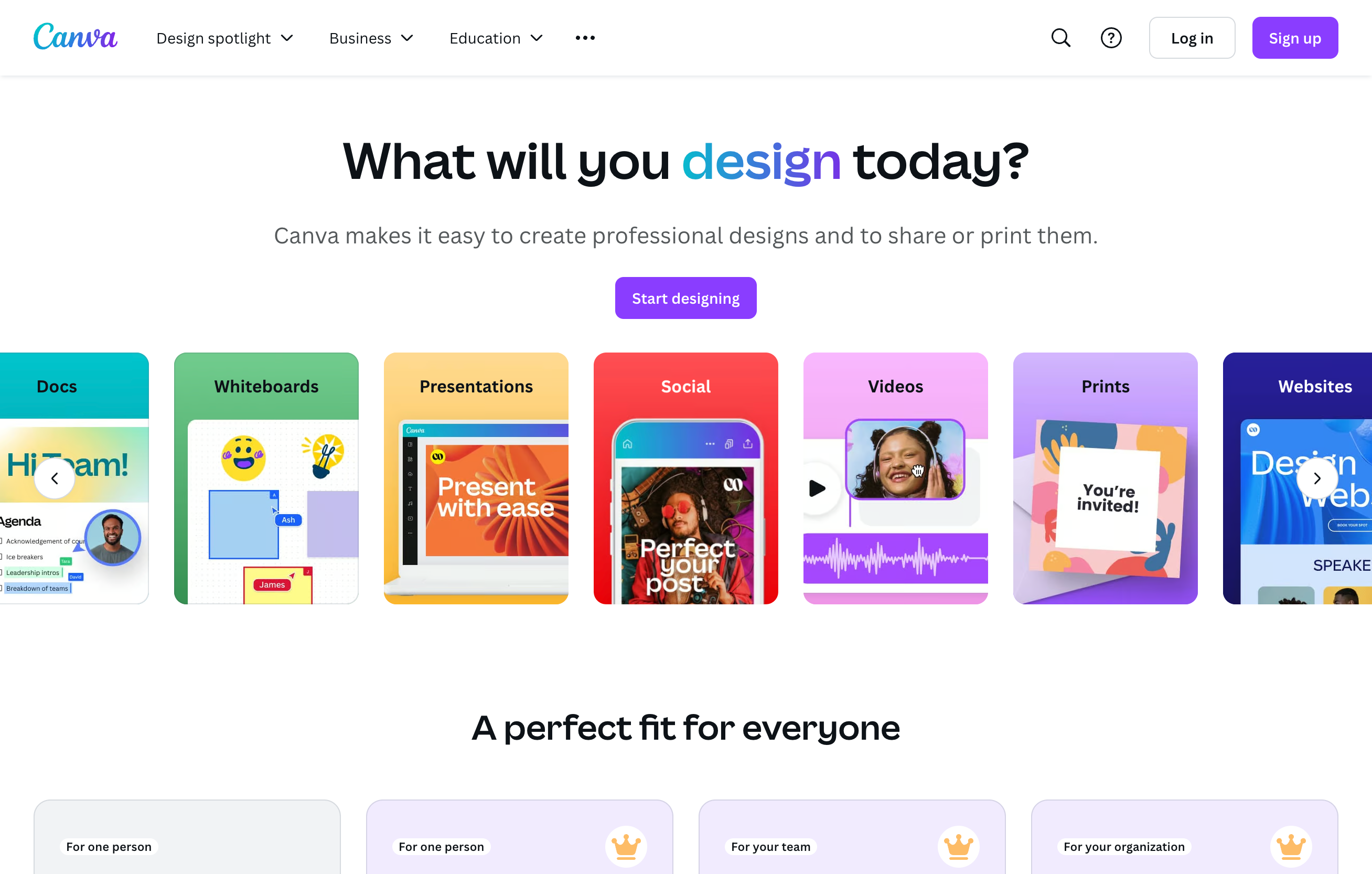
Canva (Free Version): A powerhouse for beginners and quick designs.
Best Use Cases: Creating social media graphics, simple logos, t-shirt mockups, and combining text with graphics. Its drag-and-drop interface and vast template library make it incredibly user-friendly.
Learning Curve: Very low.
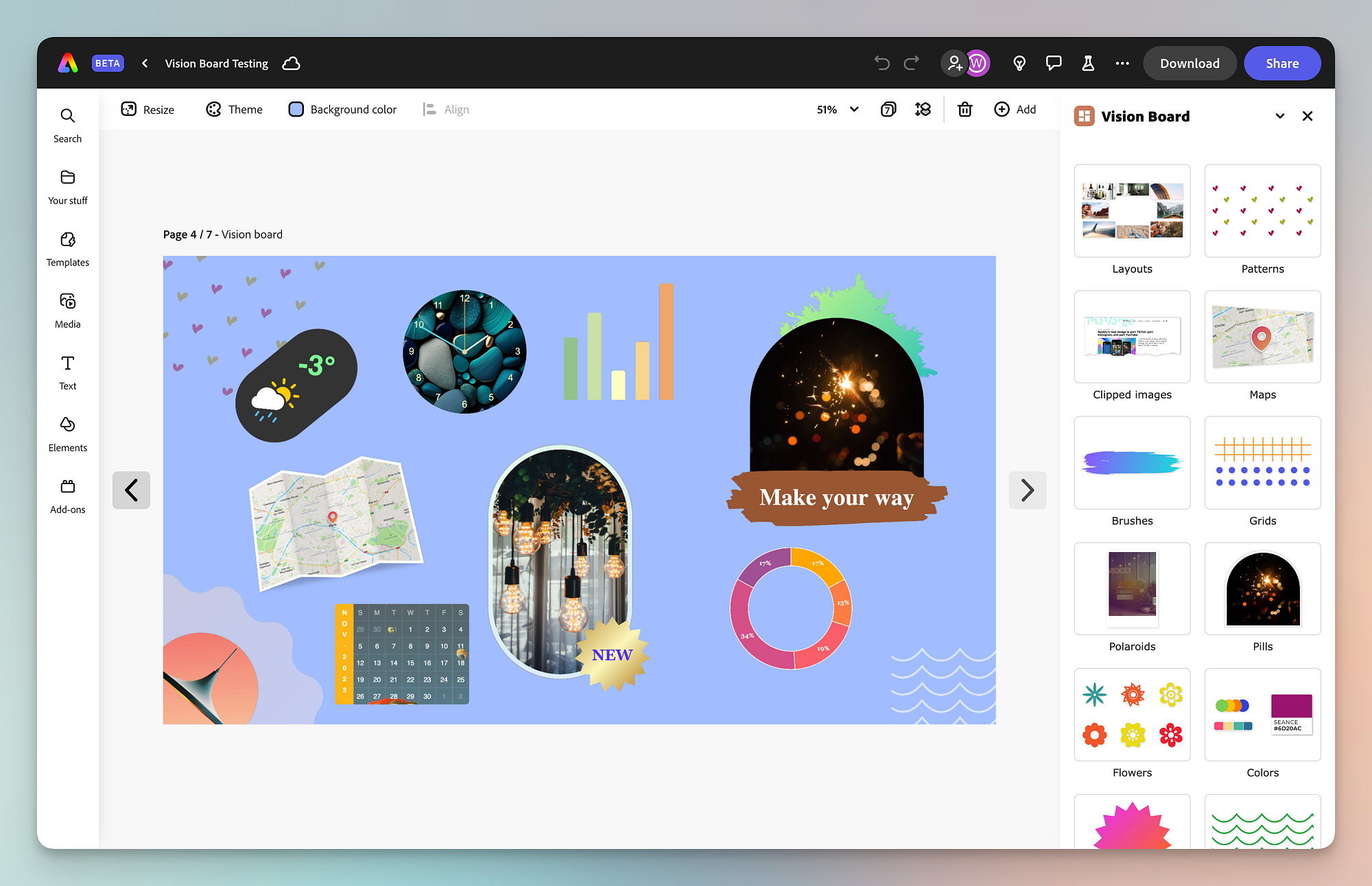
Adobe Express (Free Version): Similar to Canva, offering streamlined design capabilities for various platforms.
Best Use Cases: Quick social media posts, flyers, and simple brand assets. Integrates well with other Adobe products if you ever decide to upgrade.
Learning Curve: Low.
GIMP / Photopea: Powerful, free alternatives to Photoshop for raster editing.
Best Use Cases: Advanced photo manipulation, detailed raster-based designs, and editing pixel-based images for print. GIMP is installable software, while Photopea runs directly in your browser.
Learning Curve: Moderate to high, as they mimic professional software features.
3.2. Free Vector Graphics Tools
For scalable, professional print designs, vector tools are essential.
Inkscape: A robust, open-source vector editor, a great alternative to Adobe Illustrator for creating scalable designs.
Focus on Capabilities: Inkscape is excellent for creating logos, intricate illustrations, custom typography, and any design that needs to scale perfectly without pixelation. It handles SVG files natively, which is ideal for high-quality printing.
Keywords: "vector graphics tools," "Inkscape," "free logo maker."
Learning Curve: Moderate, but incredibly rewarding for creating professional free print designs.
3.3. AI Design Generators
The landscape of design is rapidly evolving with artificial intelligence, offering new ways to generate images.
Brief Mention: Tools like Midjourney, DALL-E, and Stable Diffusion can generate unique images from text prompts. While many have paid tiers or require specific setups, some offer free trials or open-source versions.
Caveats: While exciting, using AI for commercial print designs comes with important considerations. MerchFox advises caution regarding ethical considerations and originality. AI-generated content can sometimes lack true uniqueness or originality and may inadvertently incorporate copyrighted styles or elements if not carefully prompted. Always scrutinize AI outputs for potential copyright issues and ensure human oversight and editing to add a distinct creative touch and ensure print quality.
4. Leveraging Print-on-Demand Platforms for Free Designs & Tools
Many print-on-demand platforms aren't just for selling; they also provide resources that can help you create and visualize your free print designs.
4.1. POD Platform's Own Design Libraries
Platforms understand the need for accessible design.
Built-in Design Elements: Many leading POD platforms, including [Your Brand's], offer integrated design tools with a wealth of free fonts, clip art, shapes, and graphics. These assets are typically pre-licensed for commercial use on their platform, simplifying the process for you.
Convenience: You can often create and apply designs directly within their design interface, saving time and hassle. For instance, check out [Your Brand's] integrated graphics library for thousands of free elements ready for customization directly within the product builder. This is a game-changer for quick, compliant print on demand designs.
4.2. Free Mockup Generators
Visualizing your designs on actual products is crucial for marketing.
Product Visualization: Tools like Placeit (which offers some freebies) or Smartmockups allow you to generate realistic mockups of your designs on t-shirts, mugs, hoodies, and more, without needing to order physical samples. These free mockups are excellent for your online store and social media campaigns, helping customers see exactly what they’re getting.
5. Frequently Asked Questions (FAQ)
Here are some common questions about using free print designs for your business.
5.1. Can I use all "free" designs for commercial purposes?
Short answer: No. The term "free" can be misleading. Always double-check the specific license for each design. Many designs are free only for personal, non-commercial use. Look for explicit mentions of "commercial use," "royalty-free," or "public domain" rights.
5.2. How important is attributing the original creator?
Short answer: Very. Attributing the original creator, when required by the license, is both a legal and ethical obligation. It respects intellectual property and protects you from potential legal issues. It's a small effort that builds trust and good standing within the creative community.
5.3. What's the difference between royalty-free and public domain?
Royalty-free means you can use the design multiple times after an initial acquisition (even if that acquisition was free), without paying recurring fees for each use. The copyright generally remains with the creator. Public domain means the design has no intellectual property rights attached to it, so it's entirely free for anyone to use, modify, and distribute for any purpose, without permission or attribution. Public domain offers the most freedom.
5.4. Do I need expensive software to create print designs?
Short answer: No. As outlined in Section 3, there are numerous powerful free design tools available, such as Canva, Adobe Express (free versions), GIMP, Photopea, and Inkscape. These tools provide all the functionality you need to create high-quality, professional print designs without any upfront software costs.
5.5. How can I ensure my designs are truly unique, even when using free assets?
To ensure uniqueness, emphasize customization. Don't just download and upload. Combine multiple free elements, modify colors and shapes, add your own unique text or typography, and incorporate personal touches. Using free assets as a starting point, rather than a final product, allows you to create distinctive print on demand designs that stand out.
5.6. What if I can't find what I need for free?
If you've exhausted all free resources and still can't find the perfect design, consider a few alternatives:
Affordable Premium Options: Many sites like Creative Market or Etsy offer affordable design bundles.
Hire a Freelancer: Platforms like Fiverr or Upwork allow you to commission custom designs at various price points.
Simplify Your Design: Sometimes, a minimalist approach using free fonts and simple shapes can be incredibly effective.